For employees
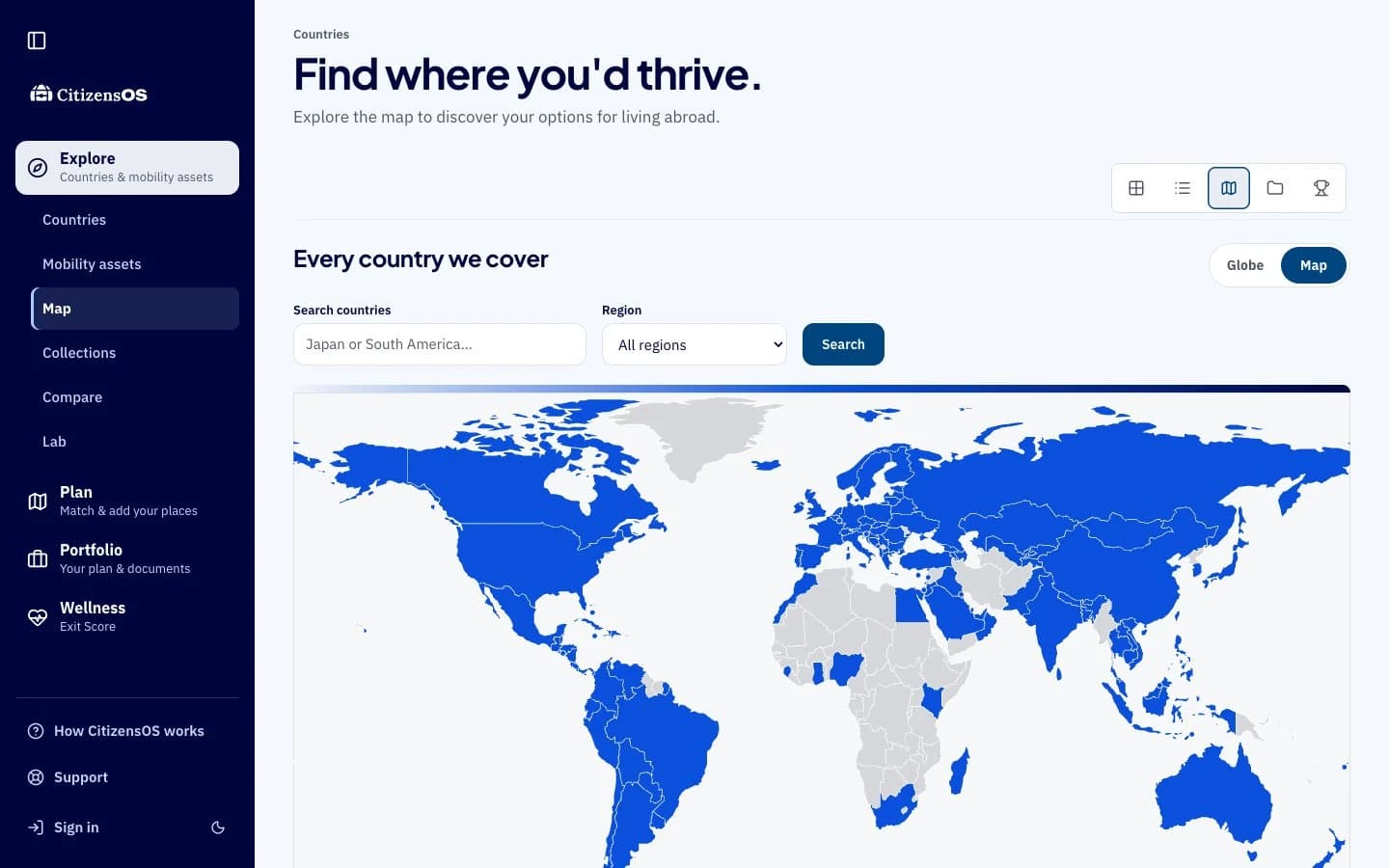
Mobility Match helps them see country options. They can explore the map, compare mobility assets, and build a personal plan.

CitizensOS for employers
Offer employees a personal way to explore where they could live, work, or retire, while keeping their plans their own.

Your organization provides access. Each person explores and decides in their own account.
Mobility Match helps them see country options. They can explore the map, compare mobility assets, and build a personal plan.
Provide access and invite employees. Your admin page shows seat usage and reservations, so you can manage the plan without reading anyone's personal choices.
Choose an annual plan and invite employees to their own accounts.
They answer Mobility Match and see their country options and personal plan.
Each employee chooses whether to purchase a mobility asset and pays for it separately.
Employers can see access usage, not employees' personal answers, plans, statements, or purchases.
Employer access
The company pays for access. Employees pay for any mobility assets they choose for themselves.
